SP-685: Tenant brand colors and footer color
Released to production in v0.0.45 (2026-09-06). PR #433 merged 2026-09-06.
Status checked 2026-09-09 against git tags and Jira. Index of all reports: https://skillpixel.atlassian.net/wiki/x/A4BJCw
1. Problem
The tenant admin Branding page (in the LMS admin menu) never had a color editor
in any committed version. Colors could only be set from the platform-admin tenant
Branding tab, using the keys primary, secondary, and
accent. A tenant admin had no way to change their own theme colors.
The public site footer used the tenant secondary color as its background. When a tenant logo was drawn in that same color, the logo blended into the footer and became hard to see.
2. Decision
Three options were considered for the footer color:
- (a) A separate footer color only.
- (b) An automatic "tertiary" complementary color, recalculated on every change.
- (c) A derived footer color with an optional manual override.
We chose (c). It has the lowest friction, it never overwrites what the user typed, and complementary hues often clash. The footer color falls out of the primary color by default, and a tenant can still set an exact footer color when they want one.
3. What changed
Frontend only. 10 files, about 270 lines.
LMS frontend
-
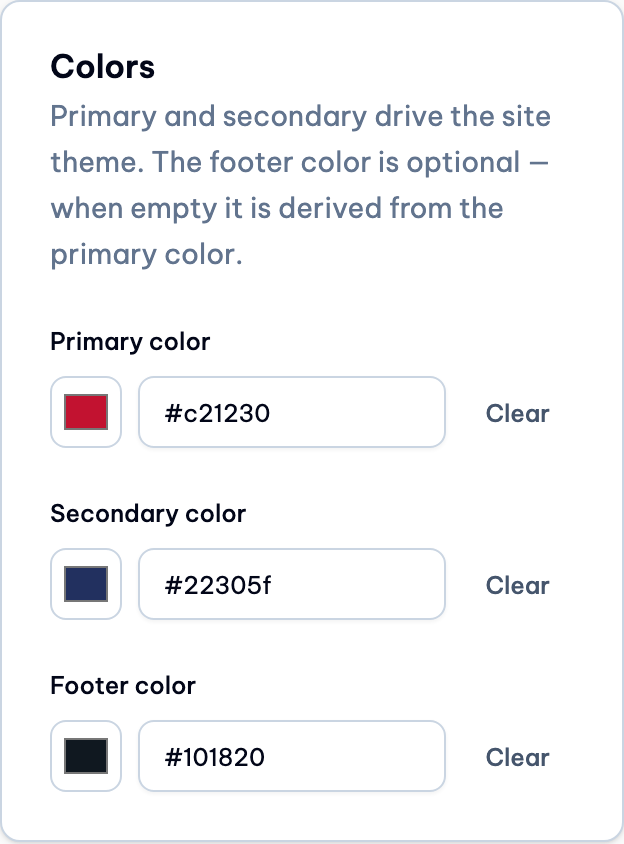
BrandingManagement.tsx: a new Colors card with primary, secondary, and an optional footer field. Each field has a native color swatch, a hex text input, and a Clear button. Hex is validated as#rrggbb, lowercased on save. Other color keys (such asaccent) are preserved, unset keys are removed, and the card is wired into the page's dirty and discard state. -
theme.ts:footeradded toTenantBrandColors. NewbuildFooterVariables: an explicit valid footer hex is used as-is; otherwise the footer is derived from the primary hue at lightness0.22, with chroma scaled to0.35×the primary and capped at0.1. It sets--footerand--footer-foreground, and both are cleared byclearTenantTheme. -
index.css: new--footer/--footer-foregroundtokens. The default equals the old--secondary, so the default SkillPixel tenant looks the same as before. -
Footer.tsx: background changed frombg-secondarytobg-footer. Custom logos are now wrapped in a white rounded plate so a dark logo cannot melt into the footer. -
en/vi admin.jsontranslations added, plus regenerated resource types.theme.test.tsgained 4 new test cases.
Platform-admin
-
footeradded toBRANDING_COLOR_KEYS, plus a hint line under the Colors section explaining the footer is optional and derived from the primary color when empty.
4. Verification
Automated checks
- lint: 0 errors (12 pre-existing warnings)
- 334 tests pass
- build passes
- lint passes
- build passes
Manual / headless run
Ran the full stack with Docker Compose from the worktree, seeded the database, and logged in headless as an admin using a minted Firebase token driven with Playwright.
| Check | Result |
|---|---|
| Colors card renders on desktop | Pass |
Renders at 360px, scrollWidth 360 (no horizontal scroll) | Pass |
Save persists primary #c21230 / secondary #22305f to DB and bootstrap | Pass |
Footer with no override = oklch(0.22 0.0705 21.43) (dark red tint) | Pass |
Footer override #101820 = oklch(0.205 0.02 248.83) | Pass |
Clearing restores oklch(0.4084 0.1234 257.3) default | Pass |
| Invalid hex "zzz" shows "Enter a 6-digit hex color like #1a2b3c." and blocks save | Pass |
| No console errors | Pass |
Screenshots

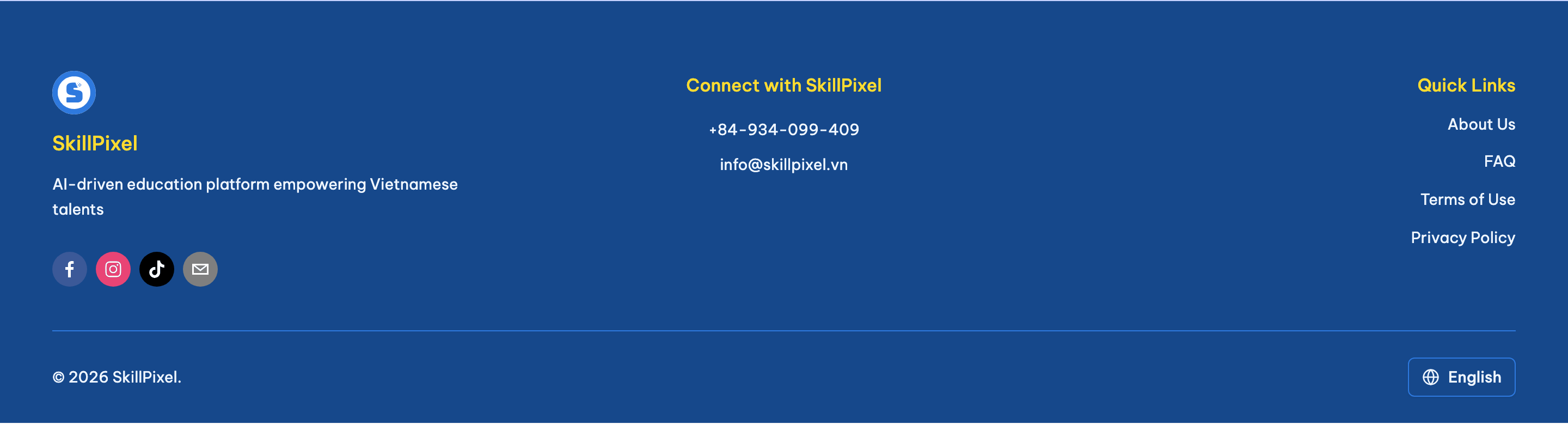
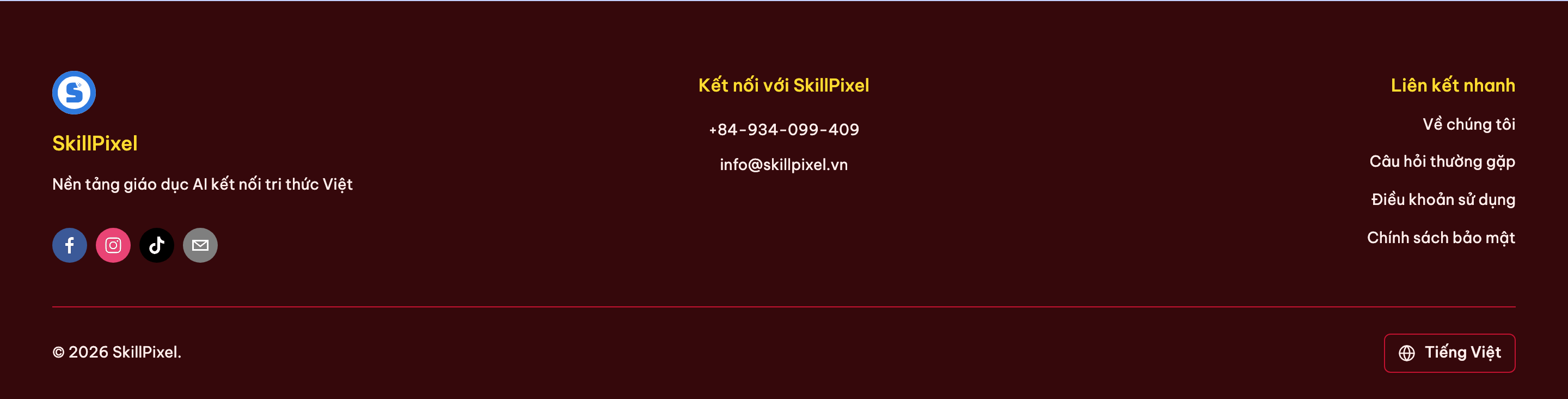
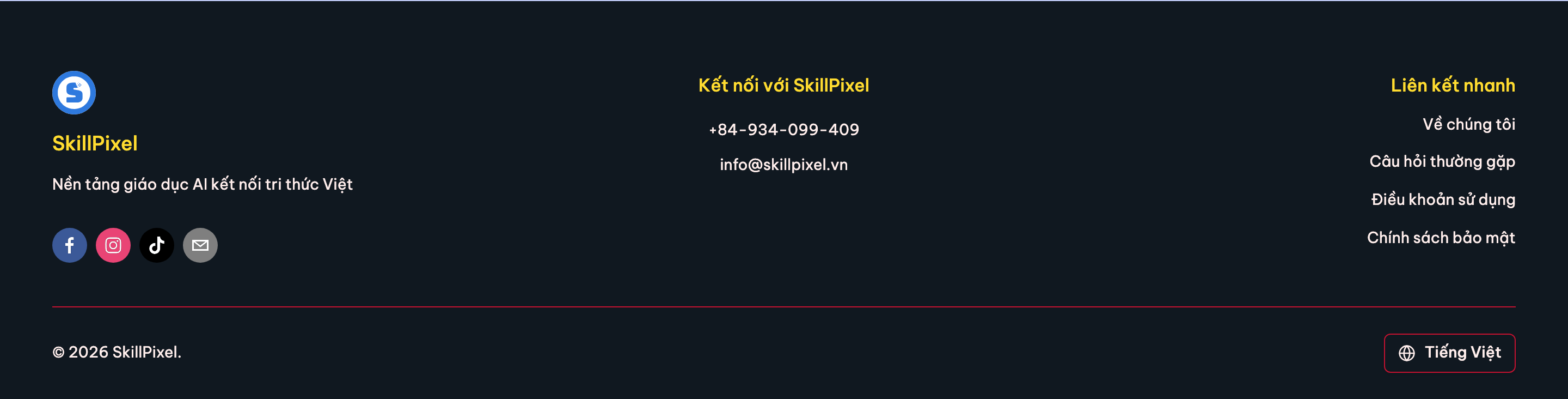
#101820.- The logo plate on a custom logo (the seeded tenant has no custom logo).
- Real beta render.
5. Gotchas
-
The frontend caches the tenant bootstrap in
sessionStorage, so a saved color only shows in a fresh tab. The backend bootstrap cache hint says about 5 minutes for the public site. -
The local backend resolves the tenant only with the
Hostheaderlocalhost:3000. - The implementer's formatter reformatted 6 unrelated files (class order). That was reverted.
6. Next steps
All done: shipped as PR #433 (merged 2026-09-06) and released in v0.0.45. Jira moved to Done.
- Commit the change. — done
- Open a PR titled "SP-685: ...". — done (PR #433)
- Beta verification with a tenant that has a custom logo. — done
- Move to Unreleased / Done per board rules. — done